Automate — We remove the work

Business process automation that removes the manual work.

If your team repeatedly copies, sends, checks, enters, assigns, reminds, updates or follows up on the same things, there is probably a better way.

Wellmade analyzes the process, simplifies it and automates the work that does not need a person doing it.

Auto shop owner leaning over a counter buried in paper work orders

Your employees should not be the integration.

If someone on your team has to:

The process is asking people to do work technology can handle. We remove that work.

  • Copy information from one system into another.
  • Check a form and manually assign the lead.
  • Send the same follow-up email every time.
  • Create the same project after every sale.
  • Remind clients to complete paperwork.
  • Update multiple systems with the same information.
  • Build reports by hand.
  • Check several platforms to understand what is happening.

What we automate

Lead Management

  • Lead capture
  • Lead routing
  • Qualification
  • CRM creation
  • Sales notifications
  • Follow-up sequences
  • Appointment scheduling

Client Onboarding

  • Intake
  • Documents
  • Agreements
  • Contracts
  • Payments
  • Welcome communications
  • Internal task creation
  • Account setup

Operations

  • Approvals
  • Project creation
  • Task assignment
  • Status updates
  • Internal notifications
  • Data movement
  • Document generation

Customer Communication

  • Follow-up
  • Reminders
  • Status notifications
  • Appointment communications
  • Review requests
  • Customer alerts

Reporting

  • Automated reporting
  • Dashboard updates
  • KPI tracking
  • Data consolidation
  • Scheduled reports
  • Exception alerts

AI Workflows

AI can be useful when it solves a specific part of the process.

  • Classifying incoming information
  • Summarizing records
  • Extracting information from documents
  • Drafting responses
  • Routing requests
  • Processing large amounts of text
  • Assisting internal teams

We do not add AI because it sounds impressive. We use it when it makes the workflow better.

Automation starts before the automation.

Bad processes do not become good processes because they are automated. They become faster bad processes. Before building anything, we look for steps that should be:

Then we build the workflow.

  • Removed.
  • Combined.
  • Simplified.
  • Automated.
  • Kept human.

We can work with the tools you already use.

You may not need to replace everything.

Wellmade can connect CRMs, forms, calendars, payment platforms, project management software, email systems, databases, websites and APIs into one workflow.

When an existing platform should be reconfigured, we configure it. When systems need to be connected, we connect them. When the missing piece requires something custom, we build it.

What the process looks like

  1. 01

    Workflow Review

    Show us what happens today.

  2. 02

    Process Map

    We document each step, system, decision and handoff.

  3. 03

    Simplification

    We remove unnecessary steps before automating anything.

  4. 04

    Automation Build

    We configure the tools, logic, integrations and workflows.

  5. 05

    Testing

    We test real scenarios, exceptions and failure points.

  6. 06

    Launch

    The workflow goes live with documentation and clear ownership.

Our systems are already a mess.

That does not disqualify you. It is one of the most common reasons to automate.

We can begin with the process that is creating the most work and improve the system from there.

You do not need to redesign the entire company at once.

Stop paying people to move information between software.

Show us the repetitive process taking up your team's time.

Inside the businesses we work in

Service dispatcher on a headset taking notes while desk phones ring
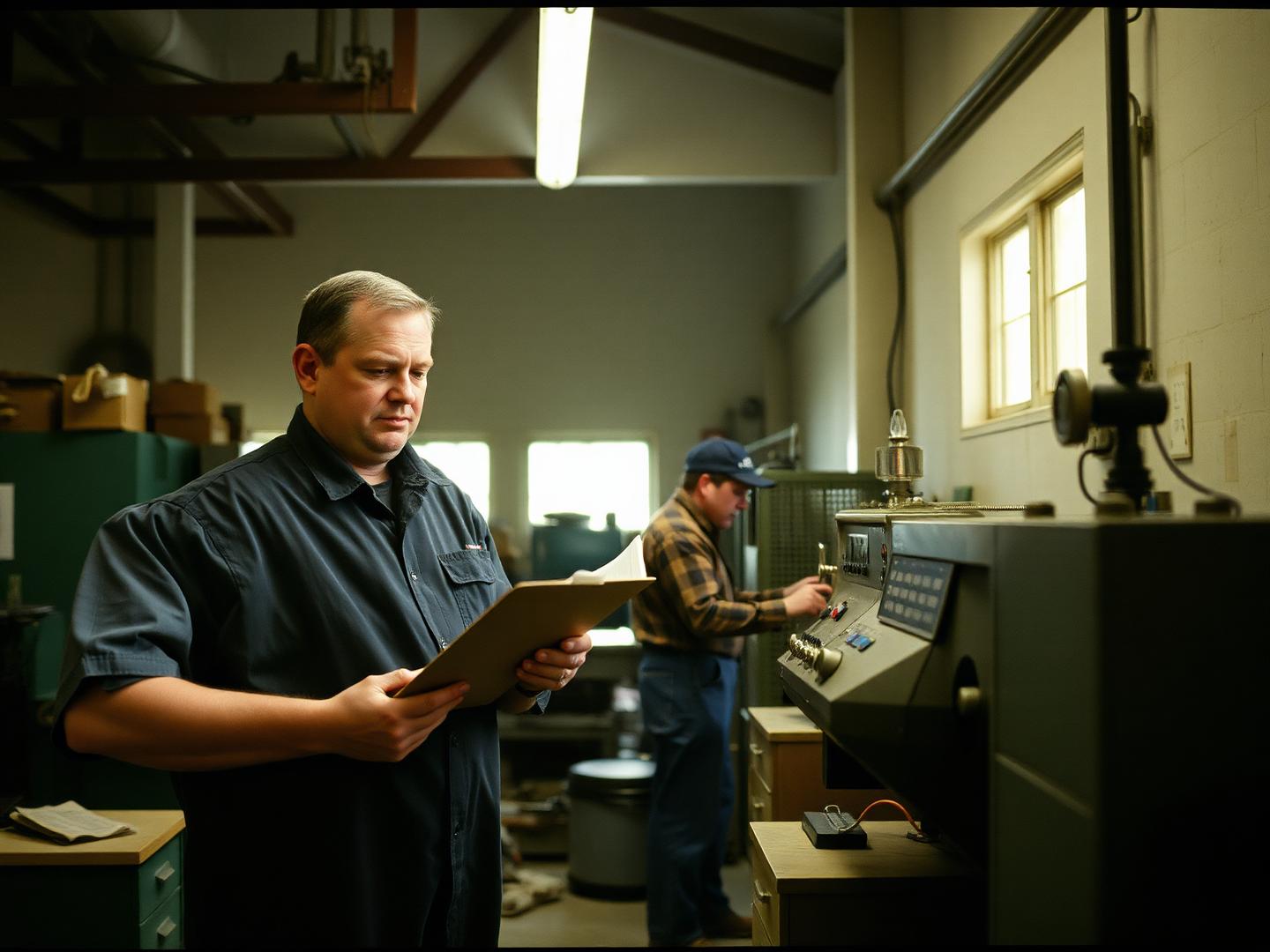
Production supervisor checking a clipboard on a small manufacturing floor
Restaurant owner in a back office working through a pile of invoices

Get started

Talk Through Your Workflow

Tell us what is happening now and what you want to work better. We'll determine the most useful next step.

1
2
3
Likely path: Automate

Tell us what your team keeps doing by hand.

Skip the technical explanation if you do not have one. Describe the problem the way you would explain it to someone inside your company.

What stage are you in?
What level of investment are you planning for this project?

Keep reading

Explore custom business systems

Internal software designed around how your company actually operates.

See how we approach automated CRM workflows

Lead routing, lifecycle stages, follow-up, tasks and reporting.

Automate repetitive workflows across your existing tools

Workflow automation across the software you already pay for.

Make the systems you already use work together

Business systems integration before adding another platform.